
Homeschool
Homeschool coding: a six-session game project
Making a game is a project with a clear beginning, middle and end, which makes it a good fit for home learning. Here's a plan you can run with one kid or several, plus an offline activity for each session so it's not all screen time.
The project plan
| Session | On screen | Off screen |
|---|---|---|
| 1Play and pick | Play three starters. Choose one to make your own. | What makes a game fun? Write three rules of a favorite board game. |
| 2Change what you see | Change colors, sizes and speeds. | Variables: label jars with names and put numbers inside. |
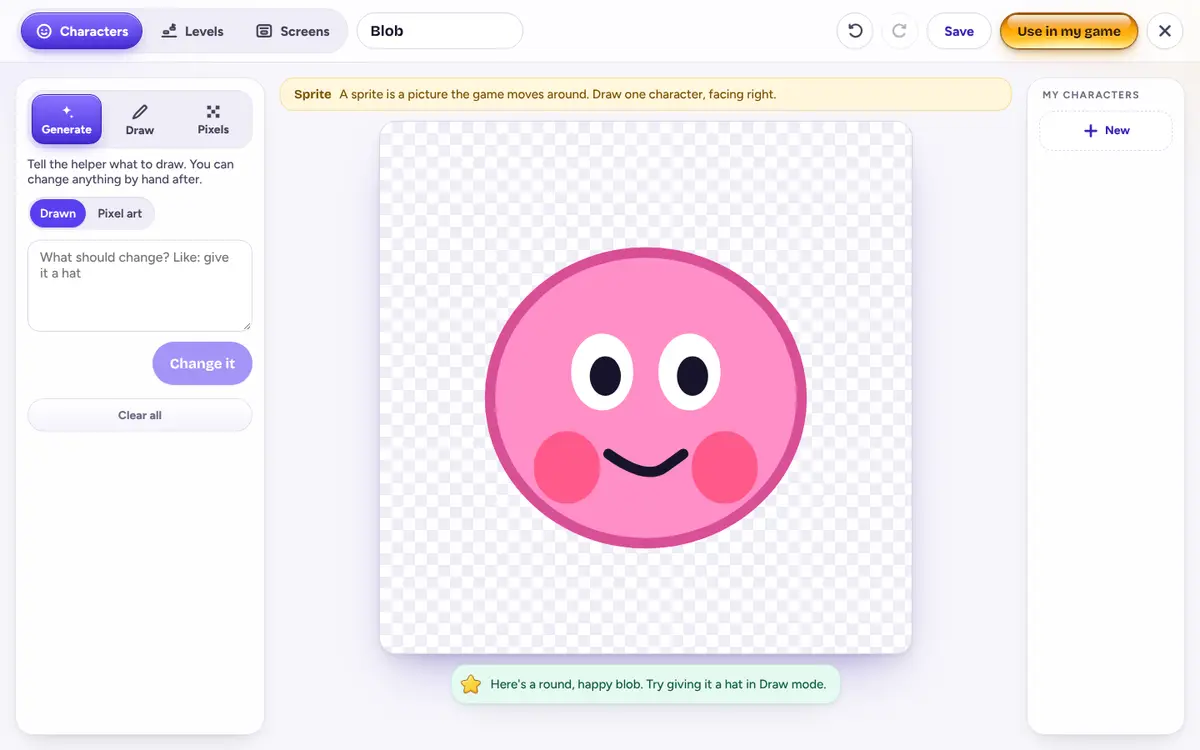
| 3Make a hero | Draw a character in the drawing studio and use it. | Pixel art on squared paper, 8 by 8. |
| 4Add a goal | Add something to collect and a way to win. | Conditions: play “if… then…” Simon Says. |
| 5Test and fix | Have a family member play. Write down three things to fix, then fix them. | Write a bug report: what you expected, what happened. |
| 6Show and share | Present the game. Explain one thing you changed and how. | Draw a poster or a box cover for the game. |
Run one session a day or one a week. Sessions of 30 to 45 minutes work well, with the offline part first or after.
Keeping a record
If you keep a portfolio, game projects are easy to document:
- Download the game. Every game downloads as a folder of real HTML, CSS and JavaScript files.
- Save the drawings. Characters and levels live in the studio for each game.
- Keep a build log. One line per session: what I wanted, what I asked, what happened.
- Note the new words. The helper explains terms like variable and loop the first time it uses them. A running glossary is a nice record.
Siblings at different ages
Each kid gets their own profile, games and energy, so one doesn't use up the other's building time. Younger kids can follow the ages 6 to 8 approach, while older ones take the same project further with the ideas for 9 to 12. Then swap games for session 5.
What to expect
Vibe Kids™ isn't a course, and it doesn't test or score your kid. It's a place for your kid to make things, while you guide the project around it. For definitions you can use in the offline activities, see coding concepts in plain words.