
Comparison
Vibe Kids™ vs. Roblox Studio
Lots of kids who play Roblox want to make games of their own, and Roblox Studio is where Roblox games are made. It's a full game engine, which is exciting and also a lot to take in. Here's how it compares with Vibe Kids™.
- Describe in words
- Snap blocks
- Type scripts in an engine
| Roblox Studio | Vibe Kids™ | |
|---|---|---|
| How kids build | A 3D editor, plus scripts typed in Luau | Describe changes in plain words; the helper writes JavaScript |
| Suggested age | 10 and up, per Roblox | 6 and up |
| Devices | Windows PC or Mac. Not Chromebooks, phones or tablets | Any modern browser, including Chromebooks and tablets |
| Where games live | Published to the Roblox platform | Private, shared by link when you allow it, and downloadable |
| Players and chat | Multiplayer worlds with other Roblox users | Games kids play on their own screen, no chat between kids |
Source for Roblox Studio: Roblox's education FAQ, checked October 2026. Vibe Kids™ isn't affiliated with Roblox Corporation.
When Roblox Studio makes sense
If your kid is 10 or older, reads and types comfortably, has a Windows PC or Mac, and wants to build worlds their friends can join, Roblox Studio is a powerful place to grow. Expect a learning curve, and plan to help with the first scripts.
When Vibe Kids™ makes sense
If your kid is younger, mostly uses a tablet or Chromebook, or gets stuck before anything works, describing the game gets them to a playable result in minutes. They'll meet the same ideas, like variables and events, that they'd later use in Luau.
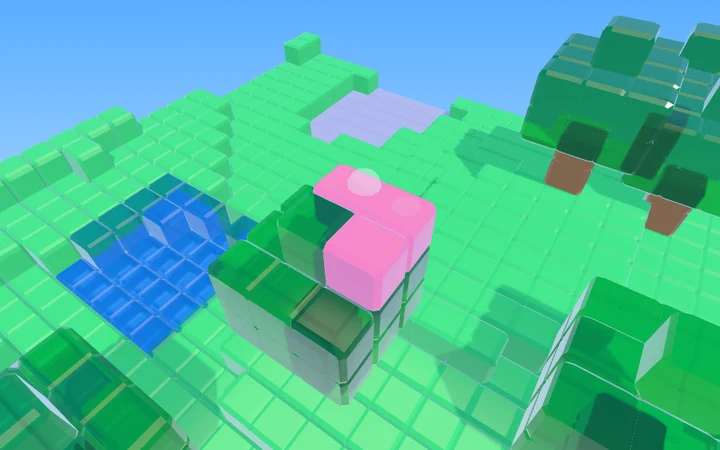
Blocky worlds, in a browser
Block Builder 3D is a starter where kids walk around a world of blocks, building and digging. It's a gentle place to try world-building ideas before a full engine. See also our chart of nine coding tools.