
Drawing studio
Draw your own game characters
Your game looks the most like you when the hero is yours. The drawing studio gives you three ways to make one, and you can mix them.
1 Generate
Describe your character and the helper draws it. Then change anything by hand.
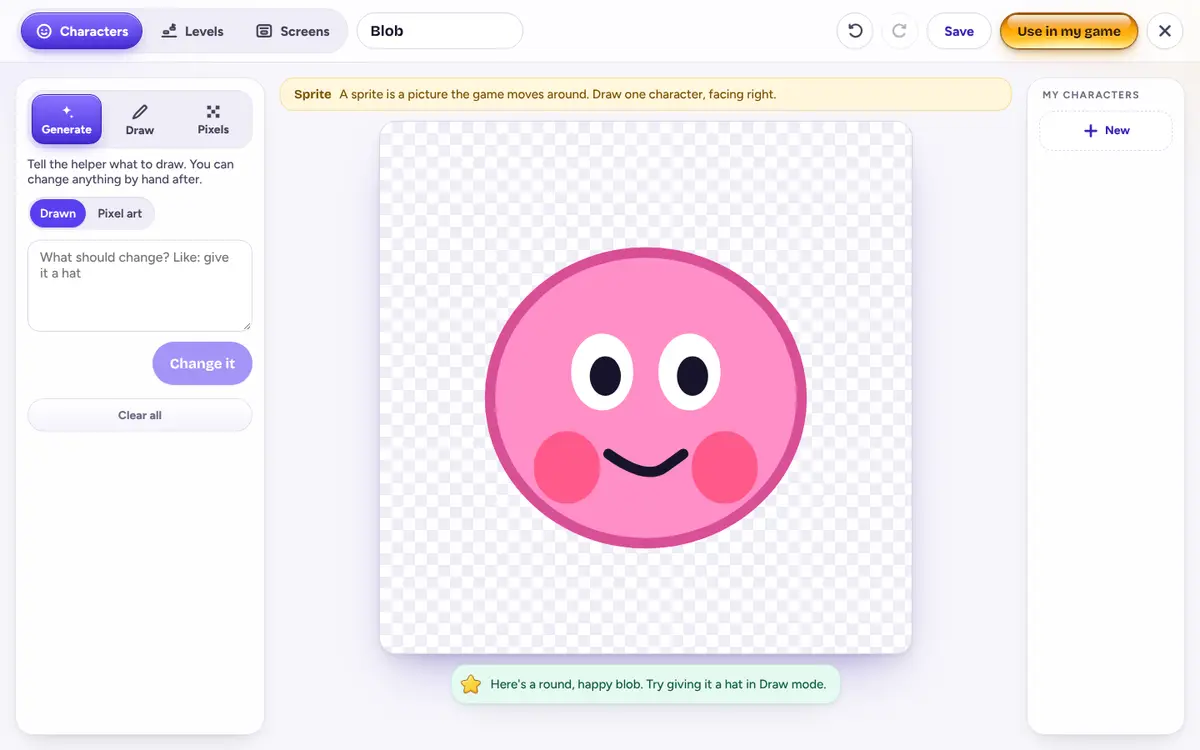
2 Draw
Use brushes and shapes like box, circle, star and heart. The same tools make whole levels.
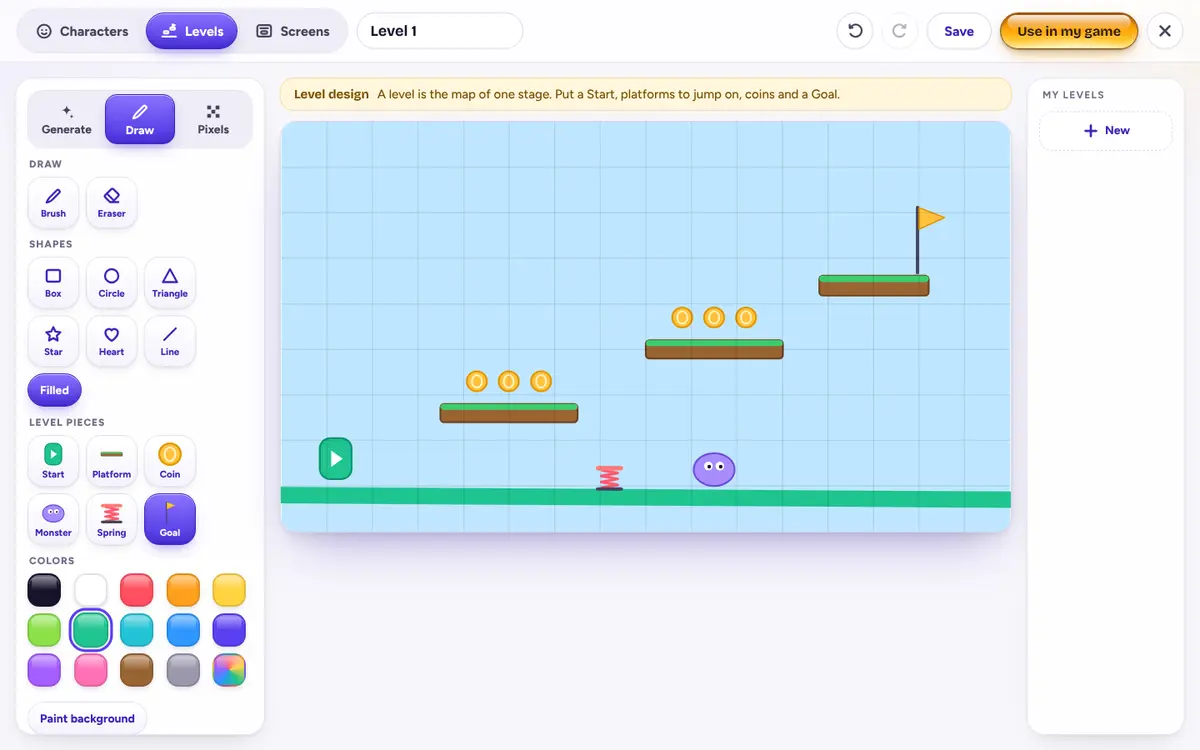
3 Pixels
Fill in squares one at a time, like classic arcade games. Great for small, crisp heroes.
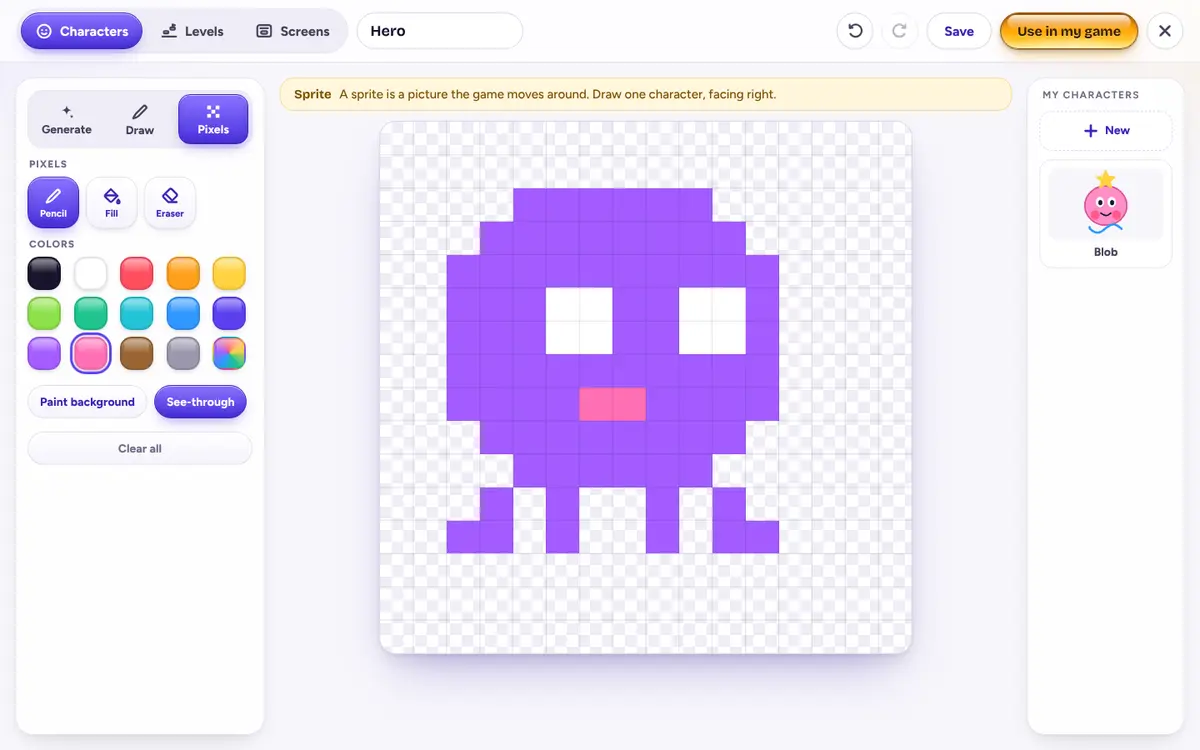
Try pixel art on paper first
Draw an 8 by 8 grid. That's just 64 squares, and it's enough for a hero with eyes, a mouth and legs. Color a shape first, then add two eyes. Then copy it into Pixels mode square by square.
Each square is called a pixel, short for “picture element”. Every screen is made of them.
Tips from game artists
- Face right. Most games move heroes to the right, so draw yours looking that way.
- Big eyes, simple shape. Your hero will be small on screen, so details disappear. Shapes don't.
- One bright color. Make your hero a color that pops against the background.
- Leave the background see-through. Then your hero won't walk around inside a box.
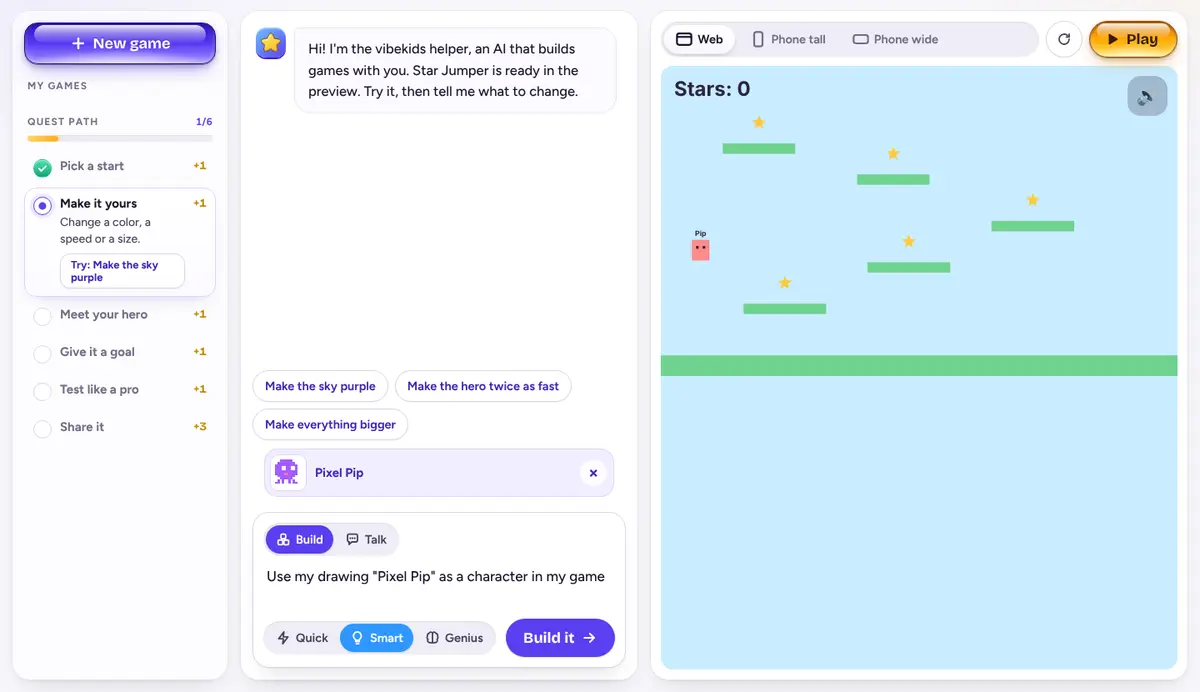
Put it in your game
Press “Use in my game” and your drawing appears in the chat. Tell the helper what it is: “Use Pixel Pip as my hero.” You can draw levels and title screens the same way.
Drawing by hand never uses energy. Next, give your hero a sound in the Sound Studio.